What your PDF quietly leaks — and how to strip it in the browser
published
TL;DR
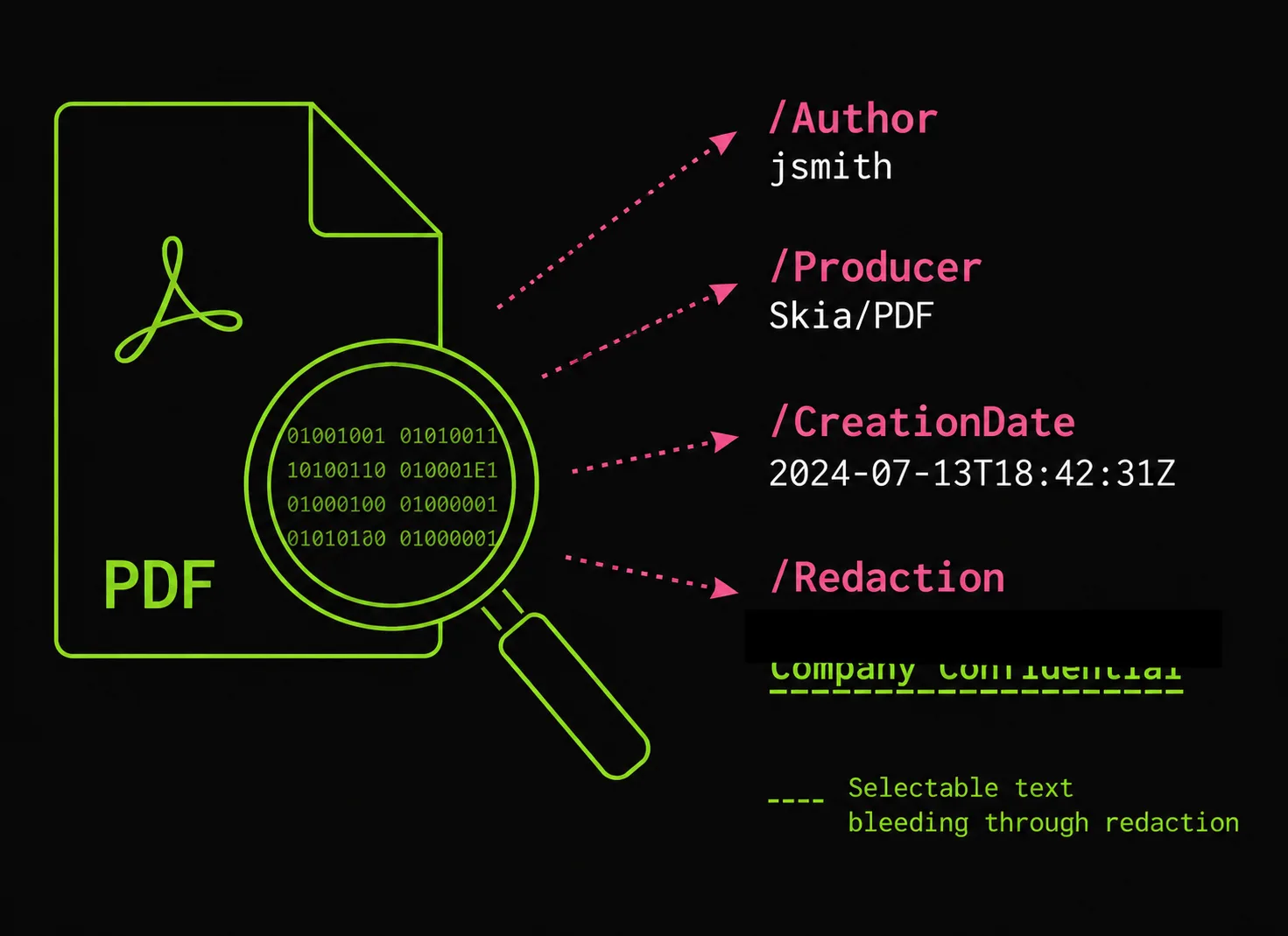
A PDF stores metadata in two places: a small Info dictionary (/Author, /Producer, /CreationDate…) and often a larger XMP packet that duplicates and extends it. Together they routinely expose your OS username, the exact tool and version that generated the file, and the creation/modification times. “Redacting” by drawing a black box doesn’t touch any of this — and doesn’t remove the text under the box either. To actually clean a PDF, rewrite the Info dictionary and drop the XMP stream. You can do it entirely client-side.
The problem
Open almost any PDF someone sent you and read its document properties. You’ll typically find:
/Author    jsmith
/Creator   Microsoft® Word for Microsoft 365
/Producer  Skia/PDF m120          (= printed to PDF from Chrome 120)
/CreationDate  D:20260531142233-05'00'
/ModDate       D:20260601090114-05'00'
That /Author is usually the OS account name. /Producer fingerprints the exact software and version — Skia/PDF m120 is Chrome’s print path, macOS Version 14.5 (Build 23F79) Quartz PDFContext is the macOS print dialog, Microsoft: Print To PDF is Windows. The timestamps say when you made and last touched it. None of this is visible on the page; all of it ships with the bytes.
Two more failure modes that surprise people:
- A black rectangle is not redaction. Drawing a filled box over text in most editors leaves the original text selectable underneath — copy-paste straight through it. Governments and law firms have published “redacted” PDFs this way for years.
- Incremental updates keep history. PDF supports appending changes instead of rewriting the file. Edits and even “deletions” can leave the prior content sitting in earlier byte ranges, recoverable by anyone who looks past the latest revision.
Why it happens
The format was designed for faithful reproduction and provenance, not privacy. Three distinct things people conflate:
| Thing | Where it lives | Visible on page? | Removed by |
|---|---|---|---|
| Info dictionary | Trailer /Info object | No | Rewriting/clearing the dict |
| XMP metadata | A metadata stream attached to the document catalog | No | Deleting the metadata stream |
| Redaction “boxes” | Drawn content on the page | Yes (the box) | Actually deleting the underlying text/objects, not covering it |
The Info dictionary is defined in the PDF spec’s document information section; XMP is a separate Adobe/ISO standard (a chunk of RDF/XML embedded in the file). A tool that only edits one leaves the other intact — which is why a file can show “no author” in one viewer and still carry the author in its XMP packet.
What to do
To strip metadata (Info + XMP), rewrite the document without them. With pdf-lib this is a few lines and runs in the browser — the bytes never leave the page:
// npm i pdf-lib
import { PDFDocument, PDFName } from 'pdf-lib';

const bytes = await file.arrayBuffer();
const pdf = await PDFDocument.load(bytes);

pdf.setTitle('');
pdf.setAuthor('');
pdf.setSubject('');
pdf.setKeywords([]);
pdf.setProducer('');
pdf.setCreator('');
// Drop the XMP metadata stream as well
pdf.catalog.delete(PDFName.of('Metadata'));

const cleaned = await pdf.save({ useObjectStreams: true });
That clears the Info fields and removes the XMP stream. Saving produces a fresh file, which also collapses prior incremental-update history into a single revision.
To verify, read the metadata back out. ExifTool reports both Info and XMP tags:
exiftool -a -G1 cleaned.pdfIf a field is truly gone it won’t appear; if your tool only touched the Info dict, ExifTool will still print the XMP group.
To actually redact text, you must remove the underlying objects, not cover them. A black box is a drawing, not a deletion. If the words matter, delete the text from the content stream (or rasterize the page and re-OCR only what you want kept) — then confirm with copy-paste and a text-extraction pass that the words are gone.
If you’d rather not write code, bytefork’s PDF metadata stripper does the Info-and-XMP rewrite locally — drag a file in, download the cleaned copy, nothing is uploaded.
Caveats
- Stripping the Info dictionary and XMP does not redact page content. Visible text, images, and annotations stay. This is about provenance metadata, not the words on the page.
- Fonts and images carry their own metadata occasionally (embedded font names, image EXIF if a photo was placed). High-sensitivity workflows should flatten/rasterize.
- Digital signatures break when you rewrite the file. A signed PDF that you re-save is no longer validly signed — expected, but worth knowing before you clean a signed document.
- Some producers re-stamp on save. If you clean a PDF and then re-export it from another tool, that tool writes its own
/Producer. Strip last, after all edits.
References
- PDF 32000-1:2008 (Adobe-hosted copy) — document information dictionary (§14.3.3) and metadata streams (§14.3.2)
- pdf-lib documentation —
setAuthor,setProducer, catalog access - ExifTool — reads and writes both PDF Info and XMP tags; useful for verifying a strip
- qpdf — inspect structure and incremental-update history
- Kubernetes Secrets — base64 is not encryption — adjacent reminder that “encoded” never means “protected”